Ragdoll Football Beginner Guide: Controls and Winning Tips
This Ragdoll Football beginner guide covers PC, mobile, and console controls, smarter tackles, passing tips, and the basics of earning XP. Hit the field!
Start Here: Learn the Controls Before Chasing Highlights
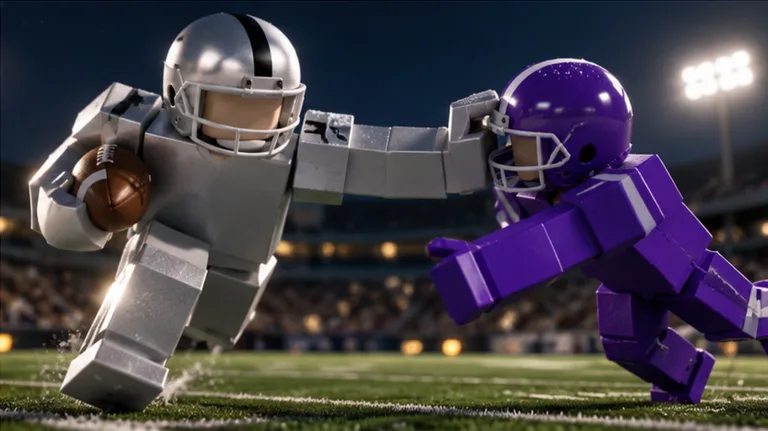
One missed tackle can leave you watching a runner disappear downfield. This Ragdoll Football beginner guide starts with the controls and decisions that help you stay involved in every play. Use this Ragdoll Football beginner guide to learn your role, make cleaner passes, and approach contact with a plan.
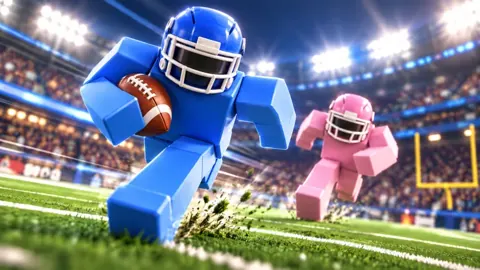
Ragdoll Football is a Roblox football experience built around physical collisions. Bodies hit, grab, and drag rather than following preset tackle animations. Servers support up to 14 players, and big plays earn XP as you work from 60 toward 99 OVR.
1. Learn the buttons that change with your role
Several buttons perform different actions depending on the situation. On PC, left click handles tackling, hiking as quarterback, and kicking. Holding it prepares a throw; releasing it sends the ball.
| PC action | Control |
|---|---|
| Move | WASD |
| Jump | Space |
| Tackle | Left Click |
| Hike as quarterback | Left Click |
| Kick | Left Click |
| Aim and throw | Hold Left Click to aim; release to throw |
| Dive | X |
| Hand off | X |
| Cancel a throw | X |
| Take a knee for a touchback | V |
| Rotate the camera | Right Click + Drag |
| Zoom | Scroll |
Practice moving, adjusting the camera, and aiming before trying to force a scoring play. Pay particular attention to X, which covers diving, handing off, and canceling a throw. Think about your current role before pressing it.
When passing, keep the distinction simple: hold to aim, release to throw. If the passing lane closes while you are aiming, use the cancel control and reassess.
2. Get comfortable with the camera
Adjust your view so you can follow the ball and nearby players together. Before a play starts, look around instead of keeping the camera locked directly behind your character.
On offense, find open space and approaching defenders. On defense, locate the ball carrier and nearby receivers. Practice changing your view while moving so you can keep watching the play.
The starting point for this Ragdoll Football beginner guide is control: move deliberately, keep the ball visible, and know which action your next input will perform.
Official page: Ragdoll Football (roblox.com)
Set Up Your Mobile or Console Controls
You can play on mobile or console, with the same core jobs spread across touch controls or a controller. Learn your platform’s throwing and camera inputs before stepping into quarterback.
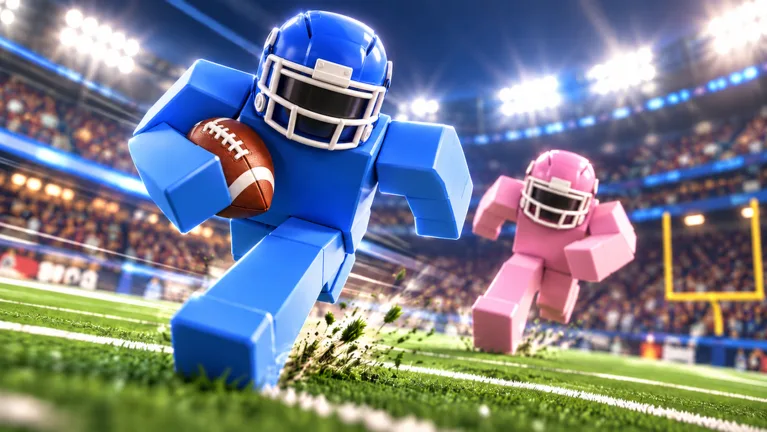 Image: Roblox / BloxyBricks
3. Separate aiming from camera movement on mobile
Mobile uses a joystick for movement, touch gestures for passing and camera control, and dedicated jump and dive buttons.
| Mobile action | Control |
|---|---|
| Move | Left-side joystick |
| Tackle, hike, or kick | Tap |
| Aim and throw | Hold still to aim; lift to throw |
| Rotate the camera | Drag |
| Zoom | Pinch |
| Jump or dive | JUMP / DIVE buttons |
Practice the hold-and-lift throwing gesture separately from dragging the camera. Set your view before aiming so you can concentrate on the receiver and the defenders around them.
Keep the JUMP and DIVE buttons easy to locate. Try each action while moving to get familiar with how it affects your positioning.
4. Learn the controller’s cancel button
Console gives throwing and canceling separate trigger inputs.
| Console action | Xbox / PlayStation |
|---|---|
| Move | Left Stick |
| Rotate the camera | Right Stick |
| Zoom | D-Pad Up / Down |
| Jump | A / Cross |
| Dive or hand off | X / Square |
| Tackle, hike as quarterback, or kick | RT / R2 |
| Aim and throw | Hold RT / R2 to aim; release to throw |
| Cancel a throw | LT / L2 |
| Take a knee for a touchback | B / Circle |
| Open menus | Y / Triangle |
Keep LT / L2 in mind whenever you prepare a pass. Cancel if a defender moves into the lane instead of releasing simply because you already started aiming.
Across every platform, apply the same lesson from this Ragdoll Football beginner guide: learn how to stop a bad decision before practicing more ambitious plays.
Build an Offense Around Open Space
Passing, receiving, and running all demand awareness of the players around you. Start with readable opportunities and give your teammates room to work.
5. Choose the receiver before committing to the throw
As quarterback, look for separation between a receiver and the nearest defender. Check the space between you and your target, too. A teammate can look open while a defender waits along the passing path.
Use this sequence:
- Locate a receiver with room around them.
- Check for defenders between you and that receiver.
- Hold the throw input and aim.
- Release when the opportunity is clear, or cancel when it closes.
Avoid locking onto one teammate throughout the play. If defenders crowd that receiver, look elsewhere. An interception hands possession to the other team and can turn into a touchdown return.
When pressure approaches, make your decision promptly. Holding the ball while searching for a perfect throw gives defenders more opportunity to reach you.
6. Give your quarterback a clear target
As a receiver, move into space instead of standing beside another teammate. Watch the quarterback and adjust your positioning as defenders follow you.
If two defenders stay with you, pull their attention away from other receivers. Resist the urge to demand every pass. Keep moving and let the quarterback find the available option.
Once the ball is thrown toward you, track its path and move into position. Build your receiving practice around seeing the ball clearly and reaching its destination.
7. Follow blocks when carrying the ball
Look ahead before choosing a running lane. When a teammate engages a defender, use the space that opens around that contact.
Make direction changes with a purpose. Cut toward clear field, away from an approaching tackler, or behind a teammate’s block. Watch the next defender as you move.
If a teammate carries the ball, look for a useful block. Get into position to engage a defender approaching their route instead of following directly behind the runner.
The offensive priority in this Ragdoll Football beginner guide is to create usable space: find it as quarterback, offer it as a receiver, and follow it as a runner.
Make Tackles and Defend the Passing Lanes
Heavy collisions are part of the appeal, but defense starts before contact. Watch where the play is going and approach from a position that lets you respond.
8. Take an angle toward the runner
When pursuing a ball carrier, move toward their route rather than following every turn from behind. Keep watching their direction as you close the distance.
Avoid lunging just because the runner enters your view. Approach under control, line up the contact, and use the tackle input when you are positioned to engage.
Practice tackling and diving separately. Learn how each action affects your position before attempting desperate stops near the sideline or end zone.
9. Balance pass coverage with pressure
If you are covering a receiver, watch both their movement and the quarterback. Stay close enough to contest the pass while keeping the ball in view.
Avoid abandoning an open receiver simply because you want a sack. Check whether a teammate is already pressuring the quarterback before joining the rush.
When the pass arrives, move toward its path. If you intercept it, turn your attention downfield and look for running room. An interception returned for a touchdown earns the Pick 6 badge.
10. Stay alert after contact
Fumbles can leave the ball available during a scramble. Keep watching the football after a tackle and move toward it when it comes loose.
When a teammate intercepts a pass, switch from coverage to supporting the return. Look for a nearby defender you can block.
Carry this defensive lesson from the Ragdoll Football beginner guide into each possession: finish the play by tracking the ball, even after the initial collision.
Understand XP, Badges, and Beginner Mistakes
Big plays earn XP, and overall progression runs from 60 to 99 OVR. Focus on learning actions you can execute consistently while building toward that higher rating.
11. Use badges as specific practice goals
Badges give you concrete targets across passing, receiving, tackling, and interceptions.
| Badge | Unlock requirement |
|---|---|
| Pick 6 | Intercept a pass and return it for a touchdown |
| Hat Trick | Record 3 interceptions in one game |
| 300 Yards | Record 300 passing yards in one game |
| Anchor | Record 10 tackles in one game |
| 200 Yards | Record 200 receiving yards in one game |
Choose a goal that fits the role you are playing. Work on finding receivers while pursuing passing yards, or concentrate on positioning and contact while working toward Anchor.
Keep playing the situation in front of you. If a badge attempt tempts you to force a pass into coverage or leave a receiver unattended, reset your focus on the next useful play.
12. Keep gear purchases separate from practice goals
Gear options include helmets, visors, and custom jersey numbers. Custom Numbers costs 100 Robux and lets you choose a number from 1–99 in the Gear menu’s NUMBER tab. That selection stays with you each game until you change it.
The Guardian Cap costs 260 Robux, while the Lewis Helmet costs 300 Robux. Listed visor options cost 50 Robux each.
Learn movement, throwing, and tackling before deciding what appearance options you want. Set your practice goals around actions you can improve on the field.
Before your next match, review these common mistakes:
- Releasing a throw after a defender closes the lane.
- Crowding another receiver and bringing extra coverage nearby.
- Running past a teammate’s useful block.
- Chasing the quarterback while leaving a receiver open.
- Looking away from the ball immediately after contact.
Put this Ragdoll Football beginner guide into practice by choosing one skill to focus on during your next game. Start with clean tackle positioning, canceled bad throws, or creating space as a receiver.
FAQ
What should I learn first in a Ragdoll Football beginner guide?
Start with movement, camera control, tackling, and throwing. Learn your cancel-throw input before playing quarterback so you can stop an attempt when a defender closes the passing lane.
How do you throw the ball in Ragdoll Football?
On PC, hold Left Click to aim and release to throw. On console, hold RT / R2 and release. On mobile, hold still to aim, then lift to throw.
How do you raise your OVR?
Earn XP through big plays. Ragdoll Football’s overall progression runs from 60 to 99 OVR. Practice your role and look for opportunities to contribute during each possession.
How do you take a knee for a touchback?
Press V on PC or B / Circle on console. Use the input in the touchback situation; it is separate from the dive and handoff controls.
Continue with
 Ragdoll Football Higher Overall: XP and Gameplay TipsRagdoll Football higher overall guide: learn how XP progression works, master the controls, and sharpen your passing, tackling, and positioning on defense.
Popular pages
Ragdoll Football Camera Controls: PC, Mobile & Console
Learn Ragdoll Football camera controls for PC, mobile, and console, including how to rotate the view, adjust zoom, and keep the ball in sight during plays.
Ragdoll Football Cancel Throw: PC and Console Guide
Learn Ragdoll Football cancel throw controls on PC, Xbox, and PlayStation, plus practical quarterback tips for reading coverage and avoiding rushed passes.
Ragdoll Football Diving: Controls and Defensive Tips
Master Ragdoll Football diving controls on PC, mobile, and console. Learn how to time your approach, line up tackles, and defend without overcommitting.
Ragdoll Football Pick 6: Interceptions and Badge Tips
Earn Ragdoll Football pick 6 badge by intercepting a pass and scoring. Learn defensive positioning, return tips, and controls for PC, mobile, and console.
Join the community
Official channels for news, updates and player help: