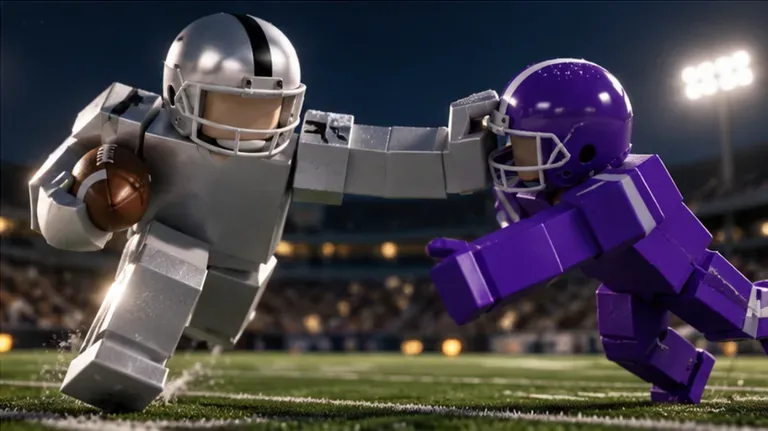
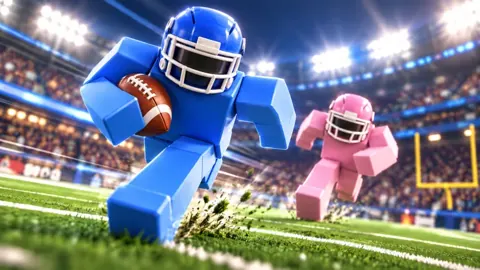
Hit the field in a physics-driven American football game where tackles, grabs and drags come from body contact. Earn XP for big plays and climb from 60 to 99 OVR.
Ragdoll Football is a Roblox American football game by BloxyBricks. Its physics-driven contact lets bodies hit, grab and drag instead of relying on canned tackle animations.
Earn XP for big plays and progress from 60 to 99 OVR. Explore five badge challenges and personalise your look with helmet gear, reflective visors and custom jersey numbers.
Get onto the field and learn the basics of physics-driven football. Tackles, grabs, and drags use body contact instead of canned animations, while big plays earn XP toward your OVR progression.
Physics Football
Your body hits, grabs, and drags through physical contact rather than preset tackle animations.
14-Player Servers
Each server supports up to 14 players.
Player Progression
Earn XP for big plays and progress from 60 to 99 OVR.
Find the inputs for PC, mobile, Xbox, and PlayStation before your next snap. Keep movement, camera controls, and the shared tackle, hike, and kick input within easy reach.
PC
Move with WASD, jump with Space, and left-click to tackle, hike as QB, or kick. Right-click and drag to move the camera; scroll to zoom.
Mobile
Move with the left-side joystick and tap to tackle, hike, or kick. Use the JUMP and DIVE buttons, drag to move the camera, and pinch to zoom.
Xbox
Move with the left stick, jump with A, and use RT to tackle, hike as QB, or kick. Control the camera with the right stick, zoom with D-Pad Up/Down, and open menus with Y.
PlayStation
Move with the left stick, jump with Cross, and use R2 to tackle, hike as QB, or kick. Control the camera with the right stick, zoom with D-Pad Up/Down, and open menus with Triangle.
Learn the quarterback inputs for hiking, aiming, throwing, and canceling a pass. Use the handoff controls when you want to transfer the ball instead of releasing a throw.
PC Passing
Left-click to hike as QB. Hold left-click to aim, then release to throw.
Mobile Passing
Tap to hike. Hold still to aim the throw, then lift to release it.
Console Passing
Use RT on Xbox or R2 on PlayStation to hike as QB. Hold the same trigger to aim, then release to throw.
Get the tackle and dive inputs down across keyboard, touchscreen, and controller. Physical hits, grabs, and drags are central to the action, and the Anchor badge gives you a concrete tackling target.
PC
Left-click to tackle and press X to dive.
Mobile
Tap to tackle and use the DIVE button to dive.
Console
Tackle with RT on Xbox or R2 on PlayStation. Dive with X on Xbox or Square on PlayStation.
Anchor
Record 10 tackles in a single game to earn the Anchor badge.
Chase five specific achievements across passing, receiving, interceptions, and tackling. Watch the single-game requirements: several badges need the entire total in one match.
Compare helmet options, reflective visors, and custom jersey numbers before spending Robux. The Guardian Cap matches your team's colours, while Custom Numbers lets you keep your chosen number across games.
Find the kick input and the take-a-knee command for touchbacks. Kicking shares an input with tackling and hiking, while keyboard and controller have a separate button for taking a knee.
PC Kicking
Use left-click to kick.
Mobile Kicking
Tap to kick.
Console Kicking
Use RT on Xbox or R2 on PlayStation to kick.
Take a Knee
For a touchback, press V on PC, B on Xbox, or Circle on PlayStation.
Ragdoll Football is a Roblox American football game by BloxyBricks. Its physics-driven contact lets bodies hit, grab and drag instead of relying on canned tackle animations.
How do you progress in Ragdoll Football?
Earn XP through big plays and progress from 60 to 99 OVR.
Where can I play Ragdoll Football?
Play the BloxyBricks experience on Roblox. Controls cover PC, mobile, Xbox and PlayStation.
Ready to Hit the Field?
Get comfortable with your controls, learn the badge objectives and choose your gear. Bring your squad and make your next big play.